

By Will Duru, BSc (Hons) Sport and Exercise Science, Award-winning Personal Trainer with over 10 years of experience in strength training and optimising recovery.
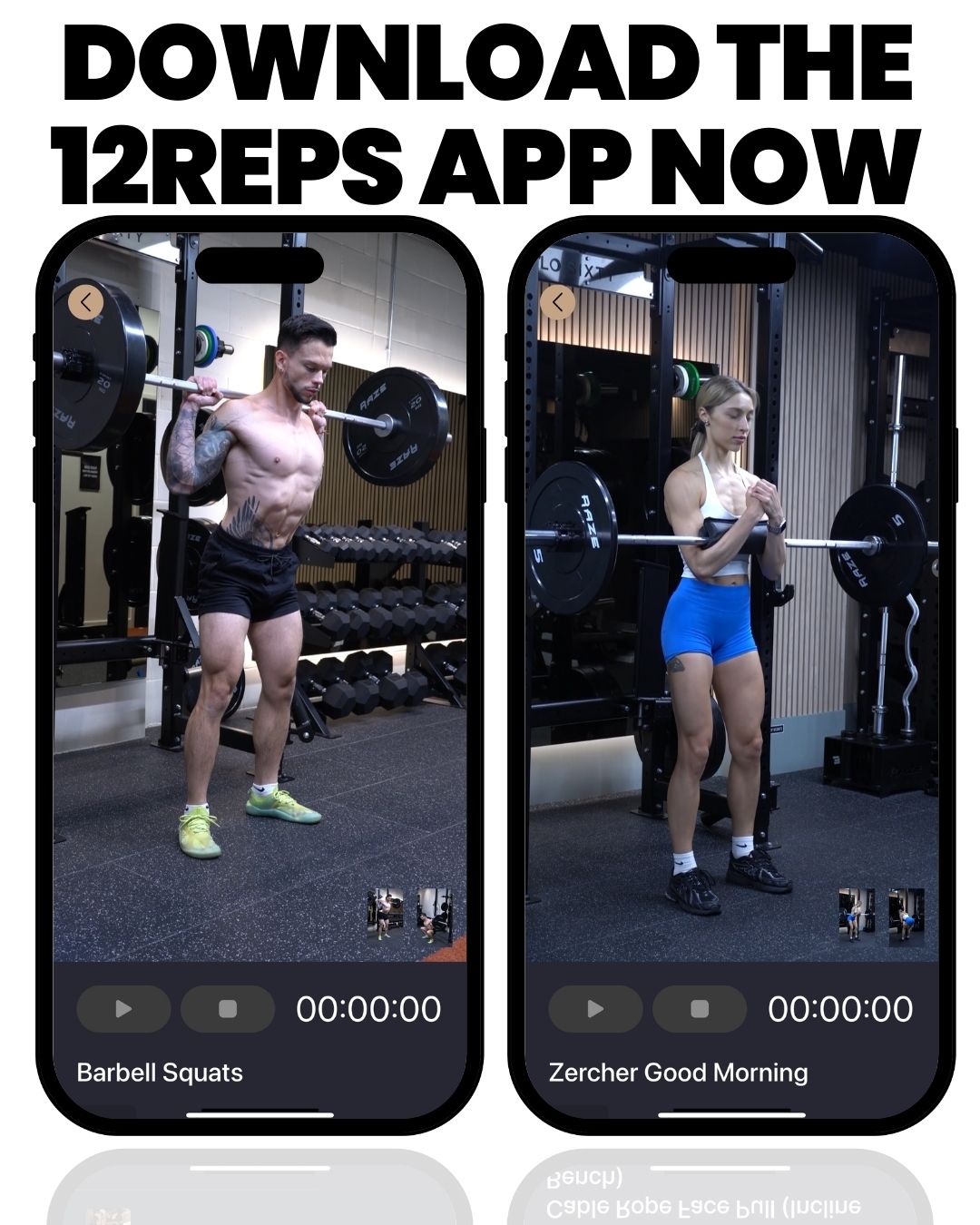
The 12REPS app builds each strength workout around your goal, the equipment you have and the time you’ve got. Every exercise comes with a demonstration from a qualified personal trainer. You log your reps and weight for each set, and the app remembers what you lifted so you have a number to beat next time.
This article explains each part of the app in plain terms, and why planning, tracking and progression help. If you want to plan your training without an app, read our step-by-step guide to building a personalized workout plan.
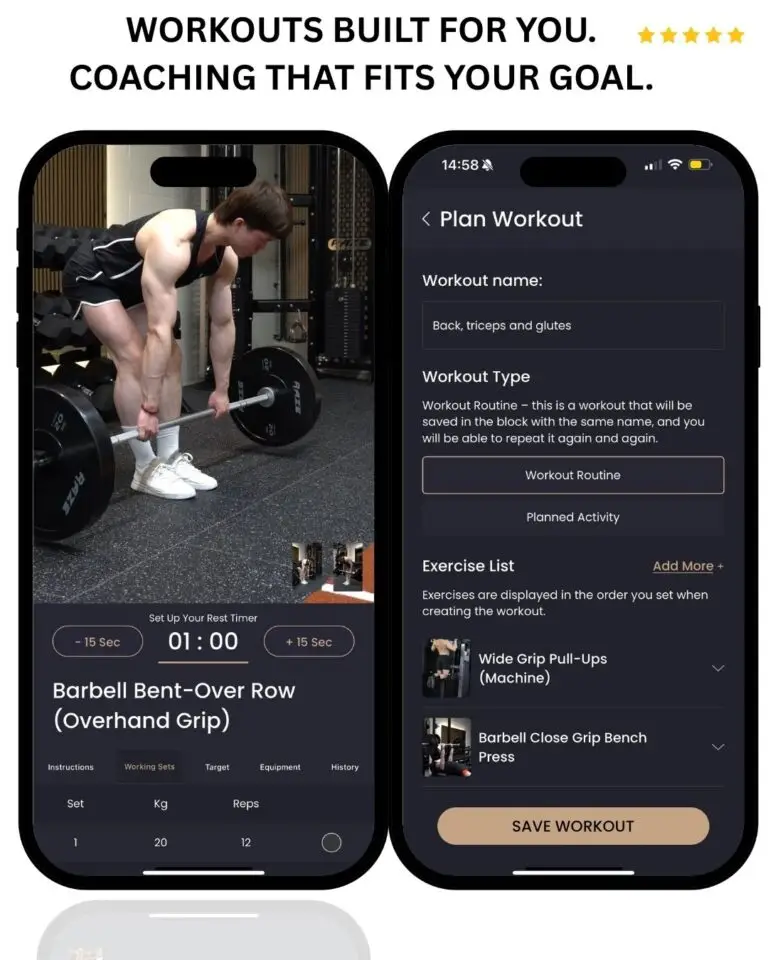
How 12REPS Builds Your Workout
12REPS starts with three things you tell it:
- Your goal: what you want your training to work toward.
- Your equipment: what you can use in your gym or at home.
- Your time: how long you have for each session.
From there, your training is set out for you. When you open the app, your workout is ready. For example, it might show a Chest & Back session of 60 minutes with 6 exercises.
This fills the gap many people feel between having a gym membership and having a personal trainer. You have access to the equipment, but you also need direction on what to do with it.
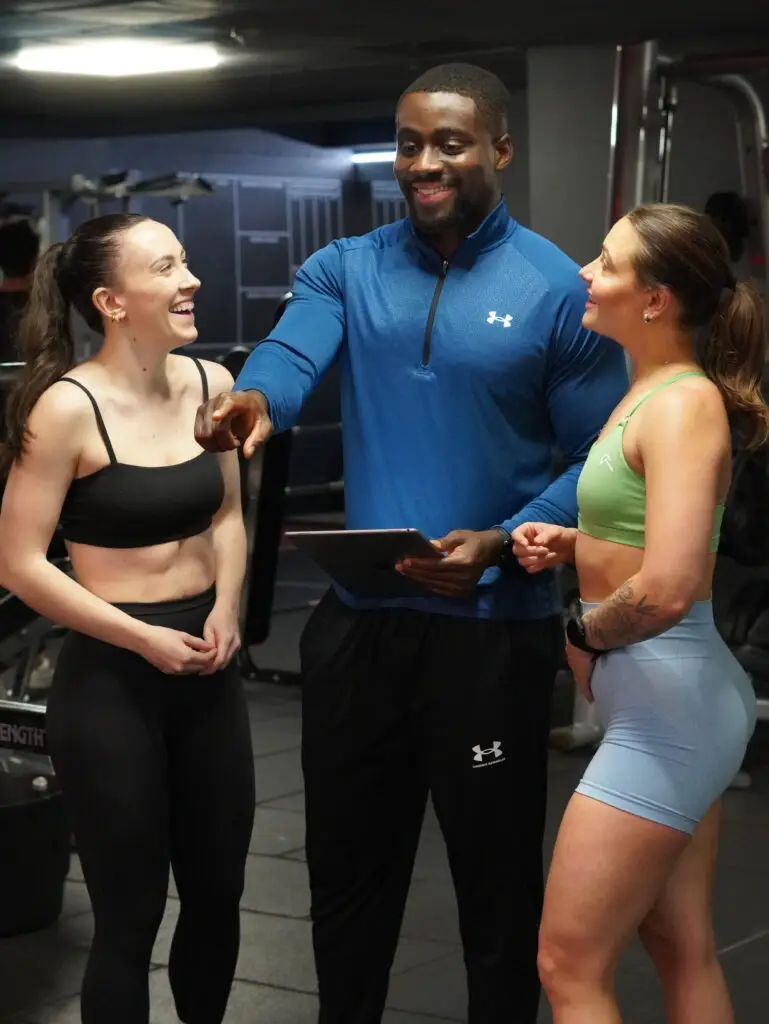
Build Your Own Session With the Body Map
Some days you want to choose the focus yourself. The body map lets you do that in three steps:
- Choose the muscle you want to train.
- Choose the equipment you have.
- Choose how much time you have.
12REPS then builds the session. Save the session, then train.
Whether the app sets out your session or you build your own, you start with a clear plan. You don’t have to decide what to do next between sets.
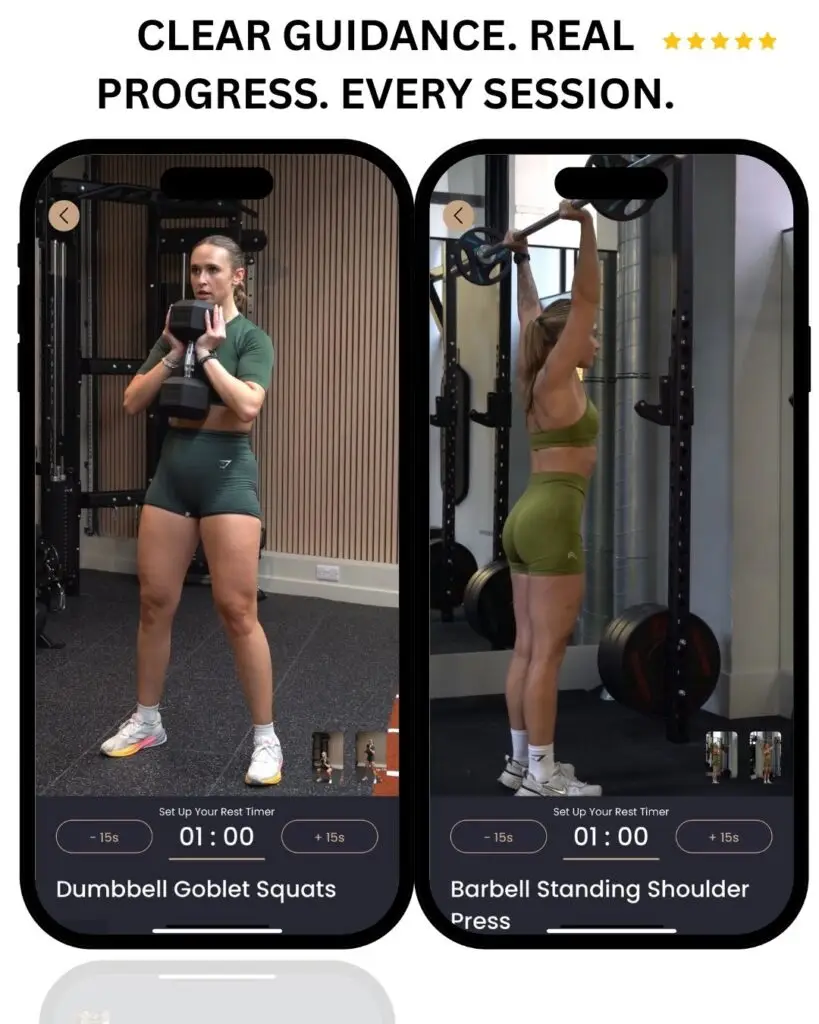
Learn Each Exercise From a Trainer Demo
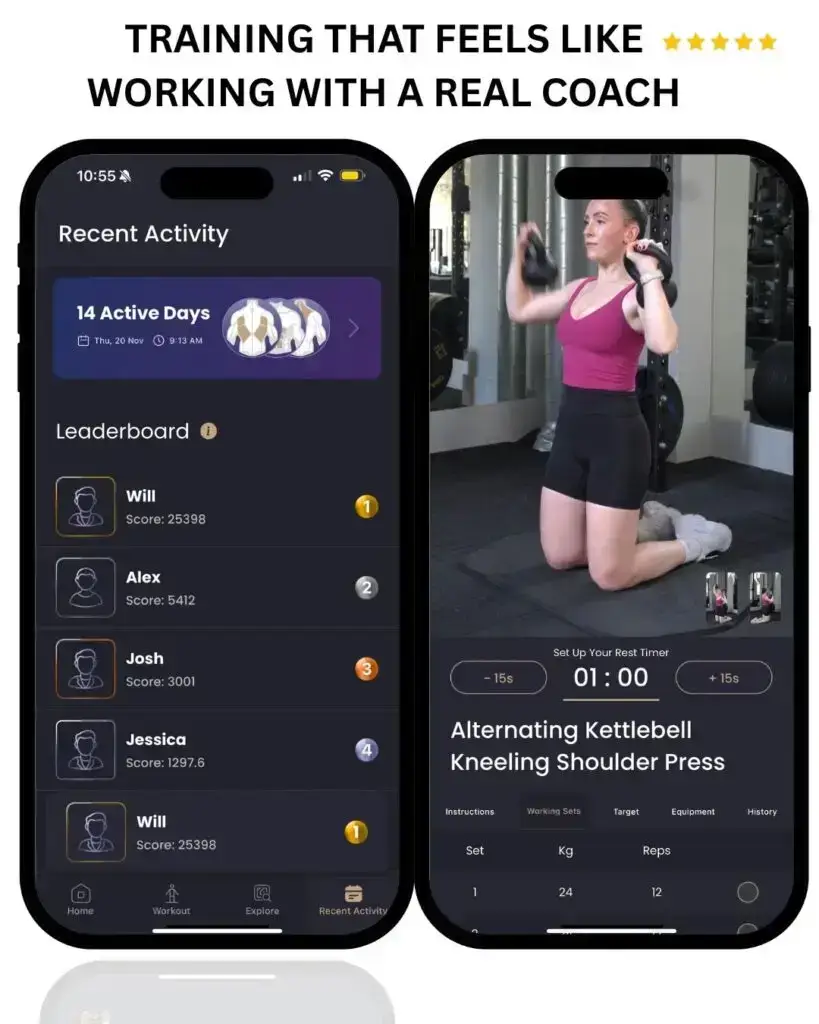
Every exercise in 12REPS has a demonstration and a technique breakdown from a real, qualified personal trainer. You can watch it before your first set, so you know the setup and the movement before you lift.
This matters most when an exercise is new to you. Watching the movement first gives you a clear model to copy. If you want to read about an exercise before you try it, our exercise library has written guides too.
12REPS does not use a camera or a wearable to check your form. Instead, each exercise has a trainer demonstration to learn from before you lift.
If a movement feels unclear, watch the demo again and start with a lighter weight until it feels steady.
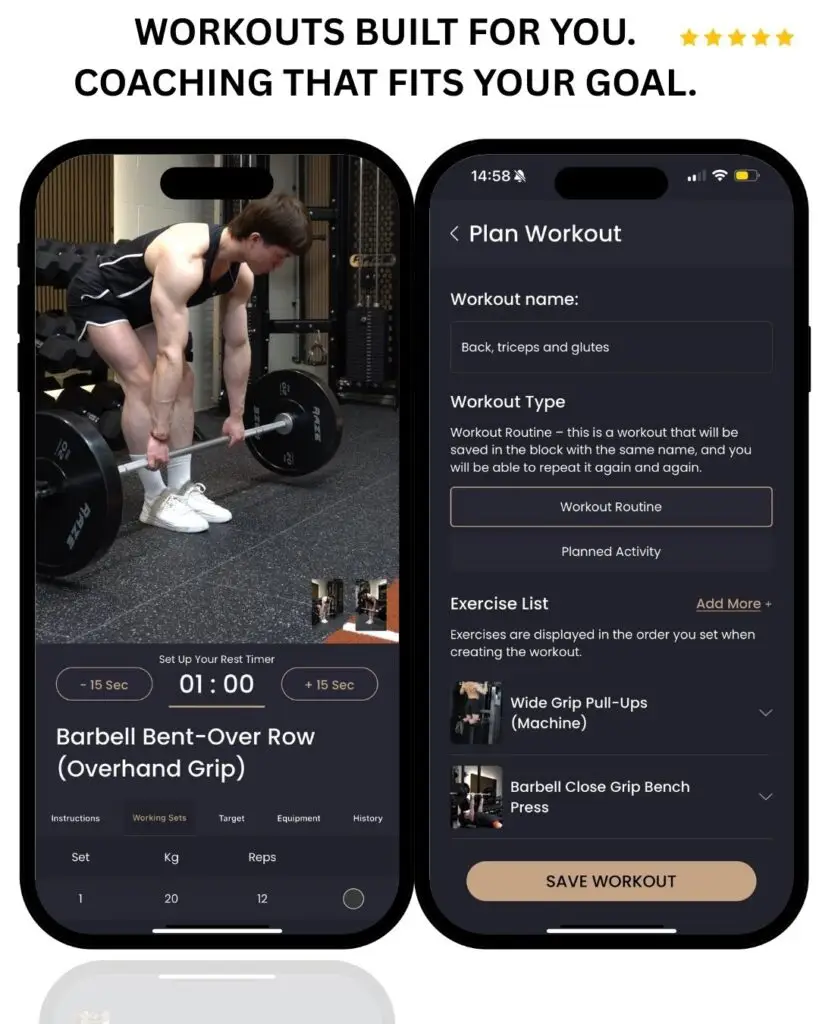
Log Every Set: Reps and Weight
Here is what a workout looks like in the app:
- Tap Start Workout.
- Watch the demo for the first exercise.
- Do your set, then enter the reps and weight.
- Repeat for each set and each exercise.
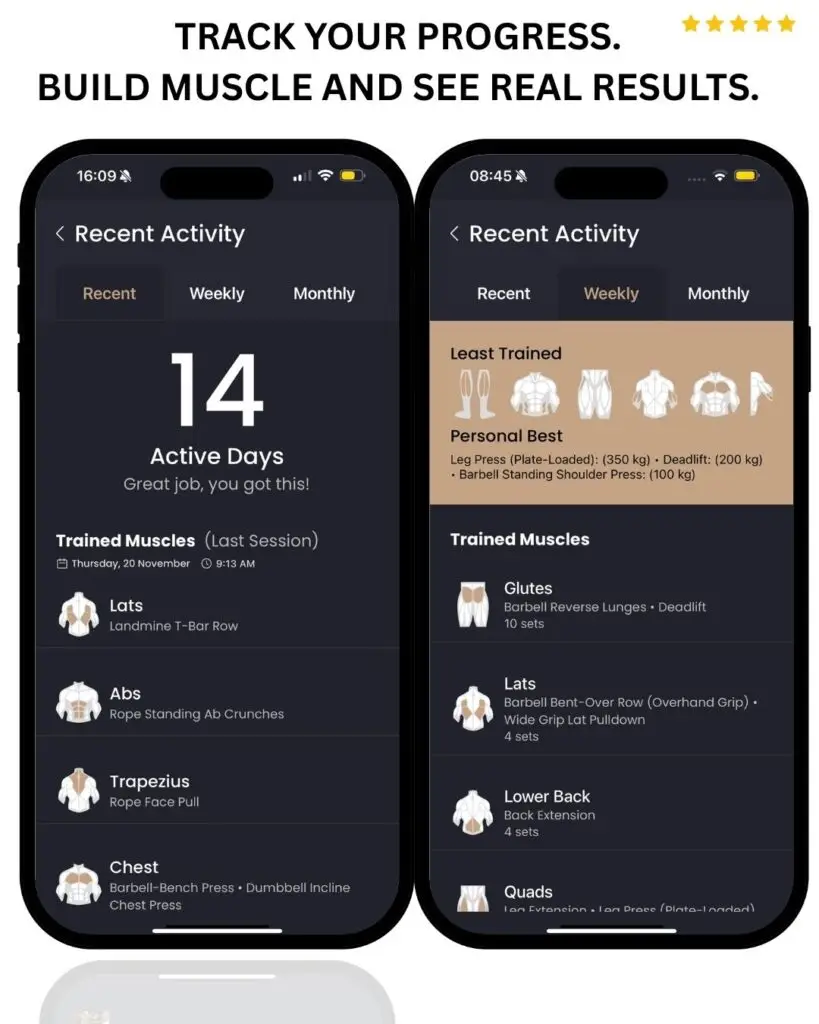
12REPS remembers what you lifted. The next time you do that exercise, you can see your last numbers and try to beat them.
Why Tracking and Progression Help
Getting stronger depends on progressive overload. That means gradually increasing the challenge over time, for example by adding weight or doing more reps. The American College of Sports Medicine’s 2026 resistance training guidance advises training all major muscle groups at least twice a week and increasing the difficulty gradually.
You don’t always have to add weight. In an 8-week study in PeerJ, trained adults who added load and those who added reps both improved strength and muscle size. Adding load was slightly better for maximal strength. Either way, you need to know your last numbers to progress on purpose.
Writing down what you do also helps you stick with it. A meta-regression in Health Psychology found that physical activity and healthy eating programs worked better when they combined self-monitoring with other techniques, such as goal setting. That research looked at activity habits in general, not apps, so treat it as support for the habit of tracking.
For more on both ideas, read our complete guide to progressive overload and our guide on how to track your workouts.
A planned workout, a record of what you lifted and a clear number to beat next time. Those three things are the core of how 12REPS guides your training.
Stay Accountable: Streaks, Challenges and Community
A plan only works if you keep showing up. 12REPS includes a few tools to help with that:
- Workout history: it tracks your workouts, sets, reps and weights.
- Streaks: you can see how consistently you’ve been training.
- Weekly goal: a target for the week to work toward.
- Challenges and awards: extra targets to aim for alongside your normal training.
- Community: a place to connect with other people who use 12REPS.
The ACSM’s guidance puts consistency first: the best routine is one you’ll stick with. Our article on why consistency matters in fitness looks at this in more depth.
Track Body Weight and Progress Photos
Strength numbers are one way to see progress. 12REPS also lets you track two others:
- Body weight: log your weight and see the trend, with your starting weight, current weight and change.
- Progress photos: take before, mid and final photos, stored privately, and compare the stages side by side.
Body weight can move up and down from day to day, so the trend over several weeks tells you more than a single weigh-in. Photos can show changes the scale misses.
Put together, 12REPS gives you a trainer, a plan and accountability. You bring the effort and the consistency.
What 12REPS Does Not Do
It helps to be clear about the limits too:
- 12REPS does not use your camera to check your technique. The trainer demos show you what good form looks like, and you compare your own movement to them.
- It is not medical care. If you have an injury or a medical condition, or you take regular medication, check with your doctor before starting a new program.
- It can’t do the work for you. The plan gives you direction, but your effort and consistency decide your progress.
See the App in Action
This short video shows how 12REPS works for strength training in the gym and at home.
Is 12REPS Right for You?
12REPS suits you if you want a plan for each session, demos to learn from and a record of what you lifted. It is built for people who train in a gym or at home and want direction without booking a personal trainer for every session.
If you’d like to train with confidence, download 12REPS on the App Store or Google Play. Your first workout is set out around your goal, your equipment and your time, with a trainer demo for every exercise.
Sources
- Resistance Training Position Stand infographic. American College of Sports Medicine, 2026. https://acsm.org/wp-content/uploads/2026/03/Resistance-Training-Position-Stand-infographic.pdf
- Plotkin D, et al. Progressive overload without progressing load? The effects of load or repetition progression on muscular adaptations. PeerJ, 2022. https://peerj.com/articles/14142
- Michie S, et al. Effective techniques in healthy eating and physical activity interventions: a meta-regression. Health Psychology, 2009. https://ore.exeter.ac.uk/repository/handle/10871/13754